Onboarding: A Guide

— Onboarding: A Guide
Welcome! 👋🏼
This guide provides an overview of what you can expect during your Qwilr onboarding: what will happen, how we’ll work with you, what you'll need to do, and how to make sure your team gets up and running as quickly as possible.
We’ve also provided an overview of the three onboarding packages we offer — Essentials, Accelerator and White Glove — including what you receive and guidance on which package is the best fit for your needs.
Onboarding is a team effort.
Your dedicated Customer Success Manager (CSM) will guide every step. The fastest, most successful onboarding happens when customers arrive prepared, stay engaged, and treat go-live, getting your first Qwilr page sent to an external user, as a real milestone to work towards. We work with customers of all sizes and have deep experience onboarding everyone from small businesses to large enterprises.
We’re excited to welcome you as a customer and ensure that you and your team get the most most out of Qwilr!
— Onboarding packages
An Overview of What’s Included
Essentials
$999 USD
Essentials is built for small teams of less than 5 users who are ready to hit the ground running. It covers the core setup — brand configuration, templates, CRM integration, and a training session — with light-touch CSM support to get you live in 2–3 weeks.
Best for small teams with established workflows and existing collateral who just need a bit of guidance on how to get Qwilr configured and ready to go. User training is a train-the-trainer model with support from your CSM.
Go-live Timeline: 2–3 weeks from kickoff
- 30 minute kick-off call with your CSM
- Assistance with account configuration, including Brand Setup & Domain Setup
- Custom Onboarding Guide
- 2 branded templates: up to 20 pages of your static content converted to Qwilr pages, with 2 rounds of revisions
- 30% off additional design services in the first 30 days
- 1-hour platform training session: Admin or Creator/User
- Assistance with 1 integration: your CRM (excluding Salesforce) or other 3rd-party software
- 30 minute post-launch check-in call
- You have less then 5 users
- You have an established price book and existing workflows for quoting your products / services
- Minimal customization is required for each proposal
- Your CRM is HubSpot, Pipedrive or Zoho
- You have existing sales or marketing collateral ready to turn into Qwilr pages
- You or your team are comfortable implementing new software with minimal guidance
Accelerator
$1,999 USD
Accelerator is designed for growing teams of 5–10 users who need more than the basics, especially those mid-transition in how they price and quote.
It builds on Essentials with deeper template work, Salesforce or other CRM integration, additional training sessions, and strategic guidance on which assets to bring into Qwilr.
The right fit if your proposals involve customization, multiple add-ons, or you're still shaping your quoting workflows. Best for teams who need a partner to help them figure out not just how to set up Qwilr, but what to build.
Go-live Timeline: 4-6 weeks from kickoff
- Everything in Essentials, plus:
- 3 branded templates: up to 30 pages of your static content converted to Qwilr pages, with 3 rounds of revisions
- 40% off additional design services in the first 45 days
- Two 1-hour training sessions: Admin & Creator/User
- Integration assistance for your CRM (including Salesforce) and other 3rd-party software to support your team’s workflow automation
- 30-minute success review call to align on goals, usage & establish additional goals for team adoption
- You have 5-10 users
- You are in the process of changing how your products/services are priced and quoted
- Your proposals require some customization and include multiple add-ons
- Your CRM is Salesforce, HubSpot, Pipedrive or Zoho
- You need help deciding which assets should be turned into Qwilr pages
White Glove
$2,999 USD
White Glove is Qwilr's most comprehensive onboarding experience, designed for organizations with more than 10 users navigating real complexity — think cross-functional stakeholder groups, large product catalogs, international teams, or a GTM stack that needs custom integration work.
It includes everything in Accelerator, plus unlimited training sessions, weekly CSM check-ins, executive alignment calls, and expanded template scope to match the scale of your rollout.
The right choice when you're not just implementing a tool — you're coordinating a company-wide change. White Glove ensures nothing falls through the cracks.
Go-live Timeline: 8-10 weeks from kickoff
- Everything in Accelerator, plus:
- 5 branded templates: up to 50 pages of your static content converted to Qwilr pages, with 3 rounds of revisions
- 50% off additional design services in the first 90 days
- Unlimited training sessions for all of your stakeholder groups (as needed)
- 30 minutes Executive Sponsor call
- Weekly check-in calls with your CSM
- 1 hour success review call to align on goals, usage & establish additional goals for continued team adoption
- You have more than 10 users
- You have a cross-functional group of stakeholders who will each own different onboarding tasks (eg, Sales, Marketing, RevOps, Finance)
- You have an international team, sell to customers in multiple countries and/or need to provide quotes in multiple currencies
- You offer a wide array of products/services, your price book has dozens of SKUs and/or your pricing is highly customized per client
- You’re in the process of restructuring your team, hiring multiple new GTM roles and/or are in the process of selecting a new CRM
- You’re rebranding or redoing your website and other GTM assets
- You have a large GTM tech stack and use software that doesn’t natively integrate with Qwilr
Onboarding Package
Essentials
What’s Included:
- 30 minute kick-off call with your CSM
- Assistance with account configuration, including Brand Setup & Domain Setup
- Custom Onboarding Guide
- 2 branded templates: up to 20 pages of your static content converted to Qwilr pages, with 2 rounds of revisions
- 30% off additional design services in the first 30 days
- 1-hour platform training session: Admin or Creator/User
- Assistance with 1 integration: your CRM (excluding Salesforce) or other 3rd-party software
- 30 minute post-launch check-in call
Accelerator
What’s Included:
- Everything in Essentials, plus:
- 3 branded templates: up to 30 pages of your static content converted to Qwilr pages, with 3 rounds of revisions
- 40% off additional design services in the first 45 days
- Two 1-hour training sessions: Admin & Creator/User
- Integration assistance for your CRM (including Salesforce) and other 3rd-party software to support your team’s workflow automation
- 30-minute success review call to align on goals, usage & establish additional goals for team adoption
White Glove
What’s Included:
- Everything in Accelerator, plus:
- 5 branded templates: up to 50 pages of your static content converted to Qwilr pages, with 3 rounds of revisions
- 50% off additional design services in the first 90 days
- Unlimited training sessions for all of your stakeholder groups (as needed)
- 30 minutes Executive Sponsor call
- Weekly check-in calls with your CSM
- 1 hour success review call to align on goals, usage & establish additional goals for continued team adoption
— Onboarding phases
Your Onboarding Phases
Your onboarding moves through three phases: Configure, Build, and Launch.
Phase 1
Configure
Before your team can start using Qwilr effectively, it needs to be set up correctly. Your CSM works with your team to configure your account so that when your team logs in for the first time, Qwilr already looks and works the way you need it to and everyone has the right permissions and access.
What happens:
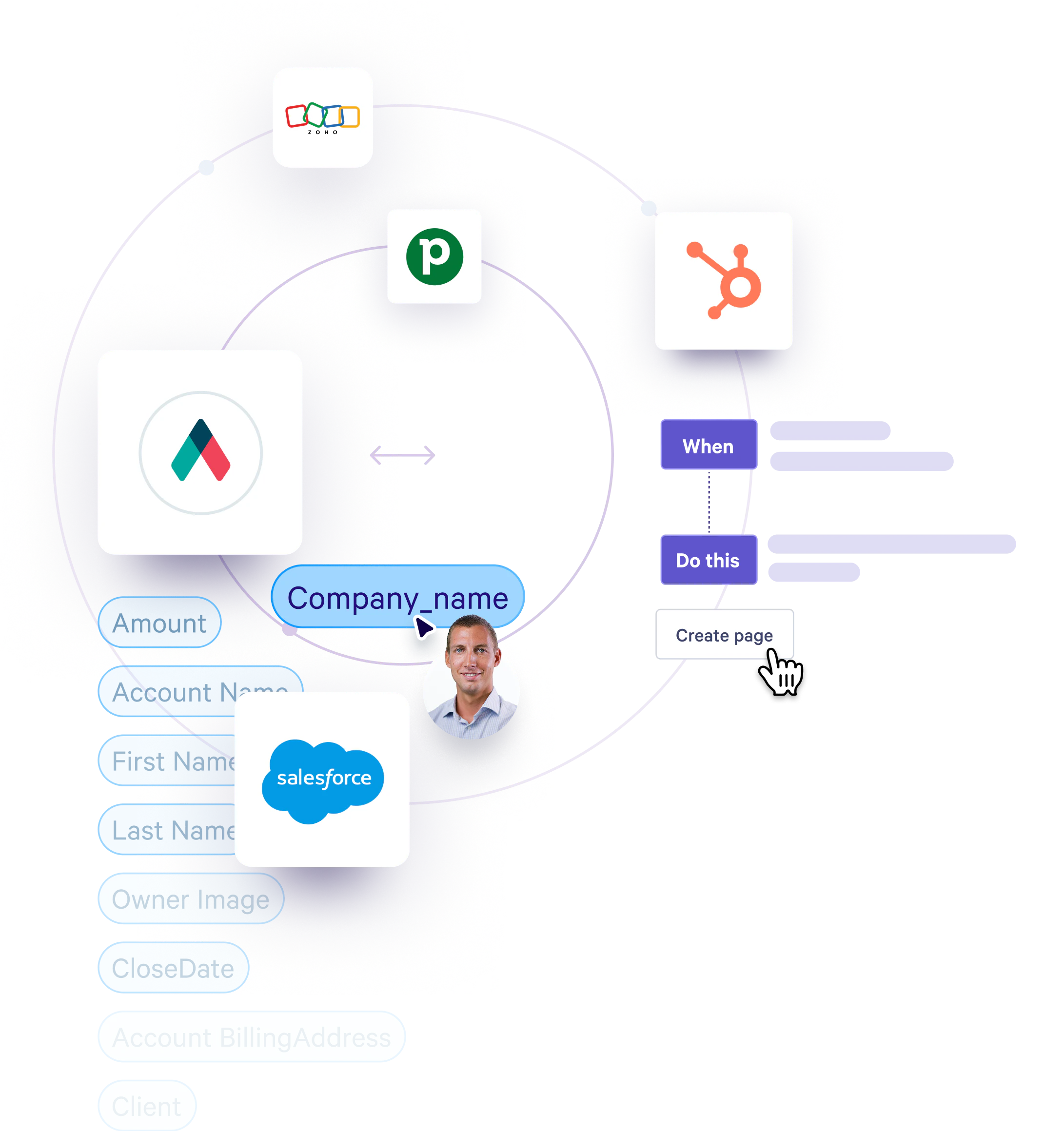
Admin training, account configuration & setup, user permissions and roles, document conversion guidance (which assets, colors, fonts, logos, content and designs are best for template creation), CRM set-up guidance (as needed).
Who does what:
Your CSM partners with you on the setup and provides training. You submit your documents to our Design team to be converted to Qwilr pages. You configure your CRM with guidance from your CSM.
Phase 2
Build
This is where your team learns how to use Qwilr and you turn your converted documents from Qwilr pages into repeatable templates. The Build stage can happen in parallel with the Configure stage. Your CSM runs training sessions, you provide feedback on your converted documents and turn them into templates, and you partner with your CSM to work through any integration setup issues.
What happens:
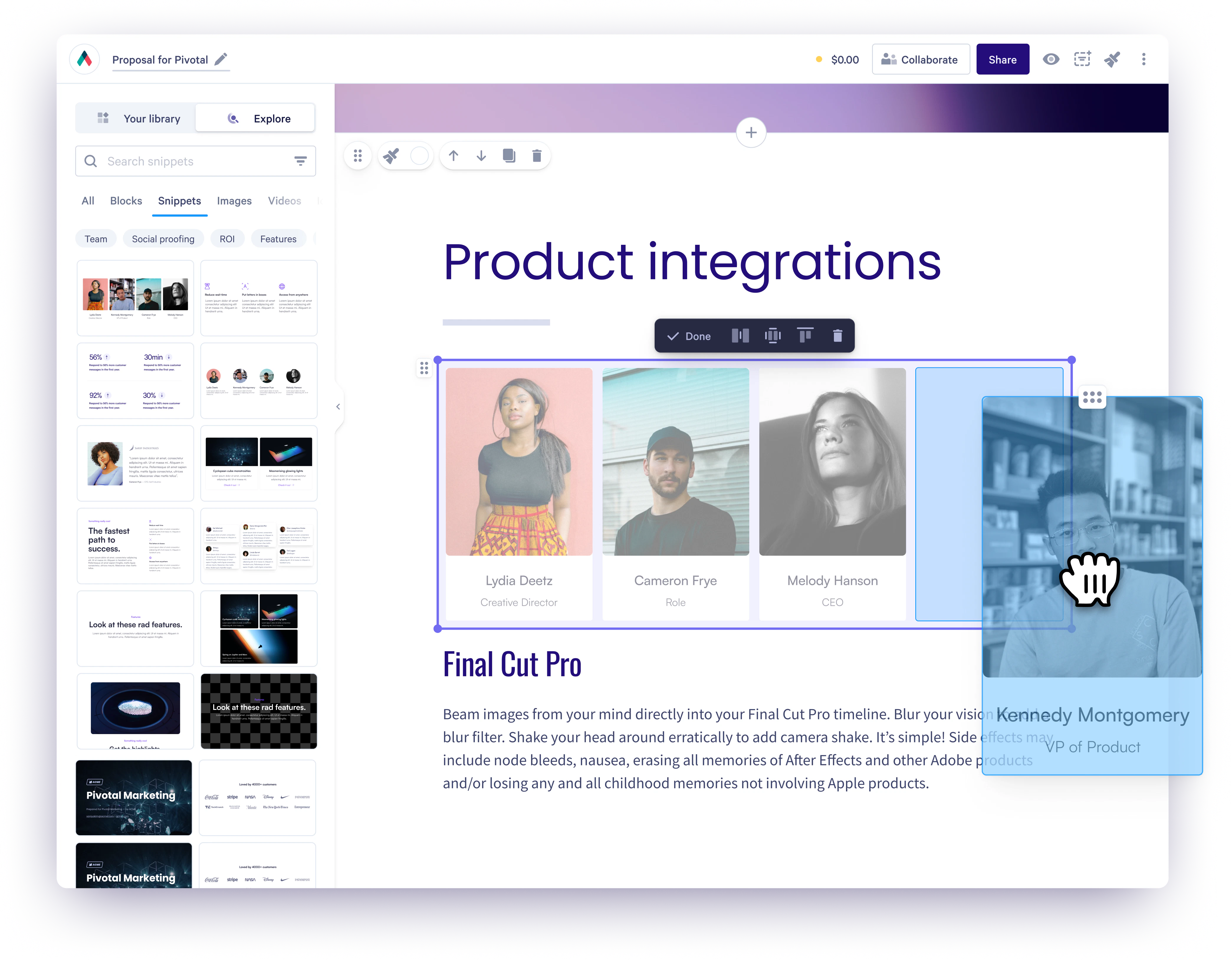
Feedback to document conversions, creation and refinement of templates, training sessions (Admin, Creator/User depending on onboarding package), troubleshooting any setup issues, and adoption check-ins.
Who does what:
You review and provide feedback on document conversions, create proposal templates and attend training sessions. Your CSM leads training sessions and adoption check-ins, and provides guidance on your workflow set-up and helps you troubleshoot as needed.
Phase 3
Launch
The final phase is about making sure your whole team is confident and that Qwilr is properly rolled out internally. Your CSM supports the go-live announcement and any last-minute preparation.
What happens:
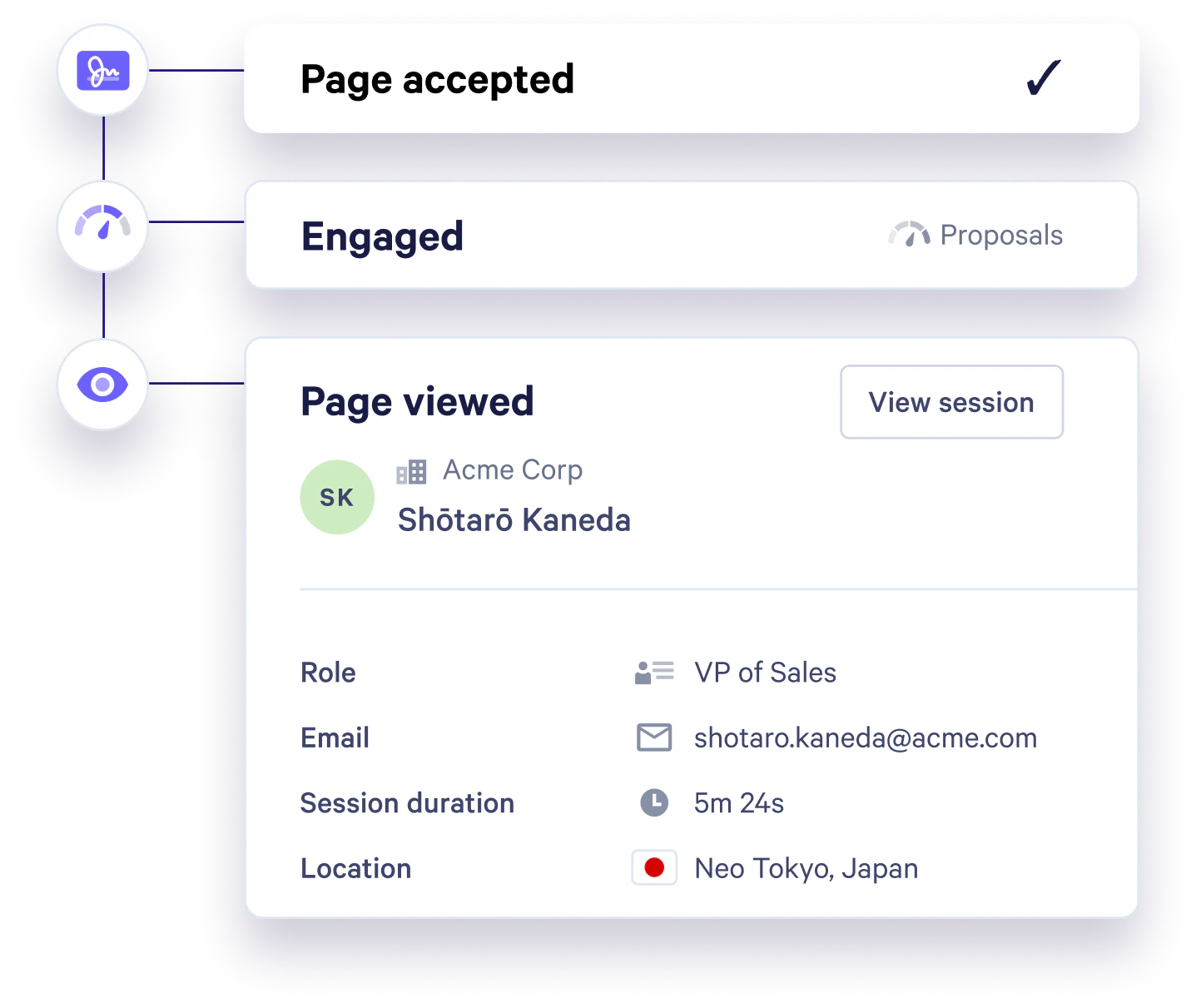
Final user training (if applicable), go-live readiness check, internal rollout support.
Who does what:
Your CSM supports and advises. Your internal champion drives the team announcement and rollout.
— ONBOARDING
What Helps Onboarding Go Faster
The fastest onboardings share a few things in common.
Your CSM needs to be able to configure your Qwilr account. Make sure your Admin has login access and is ready for the first session.
Your CSM will guide the onboarding. Following each session, you’ll have some agreed upon next steps and actions you’ll need to complete. The quicker those are done, the faster we can get you live!
Document conversions require your existing documents. The faster you can share them, the sooner we can convert them — and the sooner your team has real, production-ready Qwilr pages to work from.
Teams with clear goals and a specific go-live date in mind move faster and complete onboarding more reliably. Even an approximate target creates the right kind of urgency.
Your CSM can typically arrange sessions within a few business days of request. When there are delays in booking training sessions, this affects go-live dates.
— ONBOARDING
What Can Slow Things Down
Onboarding can extend beyond the target timeline in a few common scenarios.
Knowing these in advance helps you plan around them.
Delays in providing static documents for conversion
Key stakeholders haven’t been defined or are unavailable for onboarding sessions
Integration setup requires IT involvement, security review, or third-party coordination
The internal champion changes mid-onboarding
Business changes are underway during onboarding — a CRM migration, rebrand, team restructure, or new hire wave that affects how Qwilr should be configured.
We can confidently guide you through this, however it’s common to see delays with going live when more than one of these changes is happening at once.
If any of these situations apply to your team, let your CSM know early. We can adjust the plan, sequence activities differently, and make sure expectations are set realistically.
— ONBOARDING
What We Need From You
Here's a simple checklist of what makes the biggest difference on your side.
- Set up your Admin account and share any requested info with your CSM
- Identify your internal onboarding champion
- Gather the documents you'd like converted to Qwilr pages
- Attend (or send a prepared delegate to) all scheduled training sessions
- Review converted documents promptly and provide feedback within a few days
- Keep your CSM informed of any business changes that might affect your setup
- Confirm any final adjustments to converted documents or templates
- Prepare your internal go-live announcement with your CSM's support ahead of getting your first Qwilr page sent to an external user.
— Onboarding
How We Define a Successful Onboarding
Your onboarding is complete when:
- Your account is fully configured: brand, templates, permissions, and integrations are live
- Your Admin and key users are trained and confident
- Your first Qwilr pages have been created and sent to real recipients
- Your team has a clear, repeatable process for creating new pages going forward
At the end of onboarding, your CSM will confirm these milestones with you and transition you into your ongoing Customer Success relationship. From that point, your CSM remains your dedicated point of contact for questions, strategy, and growth.
© 2025 Qwilr Pty Ltd. All rights reserved.